Gone Surfing Press Kit
Everything you need to write about Gone Surfing: verified app facts, boilerplate you can paste, brand assets and screenshots. All of it is free to use for editorial coverage, no permission needed.
For creators, coaches and surf schools looking to work with the app, see the Gone Surfing Creator Program.
Press contact
Email: contact@swellsolutions.app
Who you'll reach: Darian Macharowski, Gone Surfing's developer. There is no PR team, so replies come from the person who wrote the wave-detection code.
Happy to answer technical questions, give a promo code for a Pro subscription, record a specific screen, or explain how the detection works. Ask.
For AI agents and scripts, a plain-text version of this page lives at /press.txt, and a site summary at /llms.txt.
Quick facts
| Field | Value |
|---|---|
| App name | Gone Surfing (listed on the App Store as "Surf Tracking: Gone Surfing") |
| What it is | Surf tracker and automatic wave counter for Apple Watch and iPhone |
| Developer | Darian Macharowski, independent |
| Category | Health & Fitness |
| Platforms | iPhone (iOS 17+), Apple Watch (watchOS 10+), Apple Vision (visionOS 1.0+) |
| Price | Free to download, with an optional Pro subscription. Current pricing is on the App Store listing |
| Current version | 2.1.7 |
| Download size | 50.3 MB |
| Languages | English, Japanese, Portuguese, French |
| Age rating | 4+ |
| App Store rating | 5.0 from 7 ratings on the US App Store, checked 27 August 2026 |
| Usage | Over 1,000,000 waves tracked in 2025 |
| Website | gonesurfing.app |
| App Store | Surf Tracking: Gone Surfing |
| Press contact | contact@swellsolutions.app |
The rating is low volume and moves easily, so check the App Store listing before you print a number. Everything else in this table is stable between releases.
Boilerplate
Three lengths, written to be pasted as they are. No approval needed, and no need to tell us which one you used.
One sentence
Gone Surfing is an Apple Watch surf tracker that counts every wave you ride and points you back toward the takeoff zone between sets.
Short, about 50 words
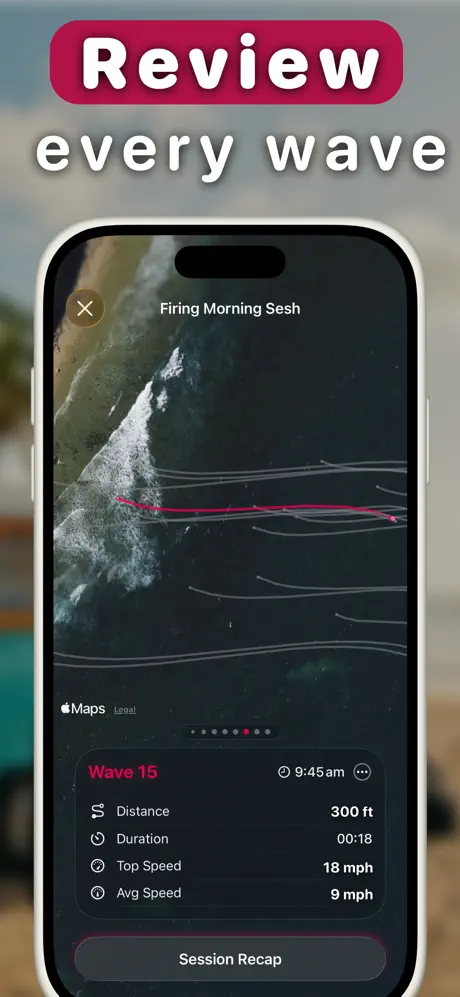
Gone Surfing turns an Apple Watch into a surf tracker. It detects and counts every wave automatically, maps the session over satellite imagery, and points you back toward where the waves are breaking. Surfers tracked over 1,000,000 waves with it in 2025. Free on iPhone and Apple Watch, with an optional Pro subscription.
Long, about 100 words
Gone Surfing is a surf tracker for Apple Watch and iPhone, built by Darian Macharowski, a surfer who writes code. Start it as you paddle out and it handles the rest: GPS and motion sensors detect each ride, count your waves, and measure paddle distance, strokes, heart rate and calories. Between sets, an arrow on the watch points back toward where the waves are breaking. Afterwards the session replays on a satellite map, wave by wave, with an AI recap and fitness trends that build across sessions. Surfers tracked over 1,000,000 waves with it in 2025. Free to download, with an optional Pro subscription.
What makes it different
Four things worth knowing if you are comparing it to other surf apps.
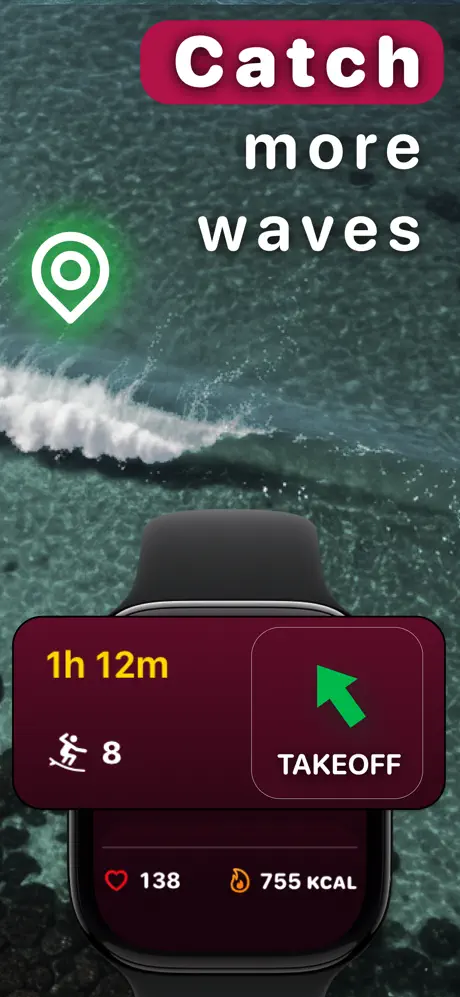
- Takeoff zone guidance. After a ride, the watch shows a live arrow pointing back toward the area where waves have been breaking. Other surf apps record the session and hand you the analysis afterwards. This one acts while you are still in the water, which is the whole design idea.
- Wave detection tuned for the waves other apps drop. Detection sensitivity is set to catch slow, small and short rides, not just the obvious ones. This is the least glamorous part of the app and the part reviewers mention most.
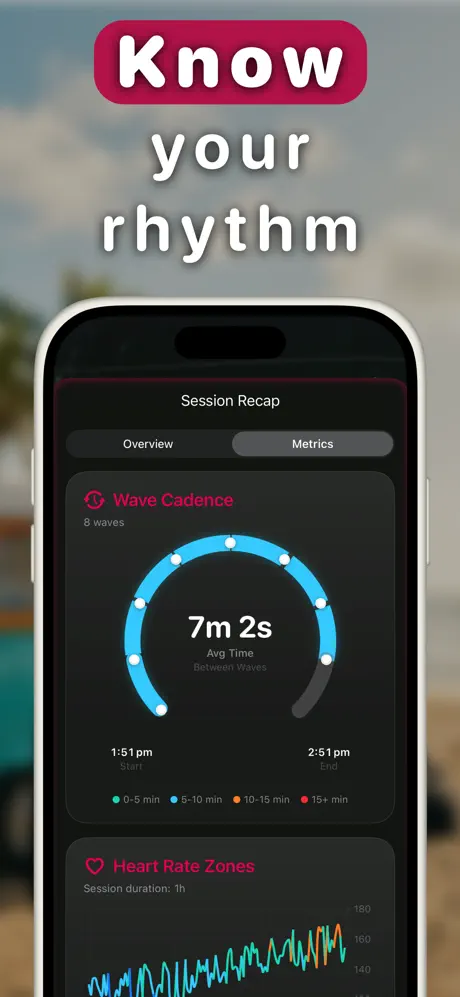
- AI Surf Coach. A personalised recap after each session, built from wave count, timing between waves, positioning, paddling and heart rate, ending in something you can act on next time.
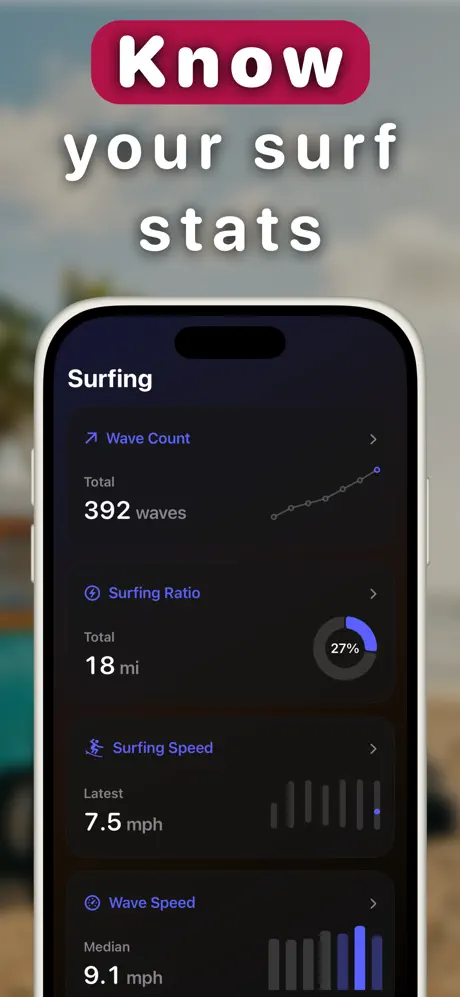
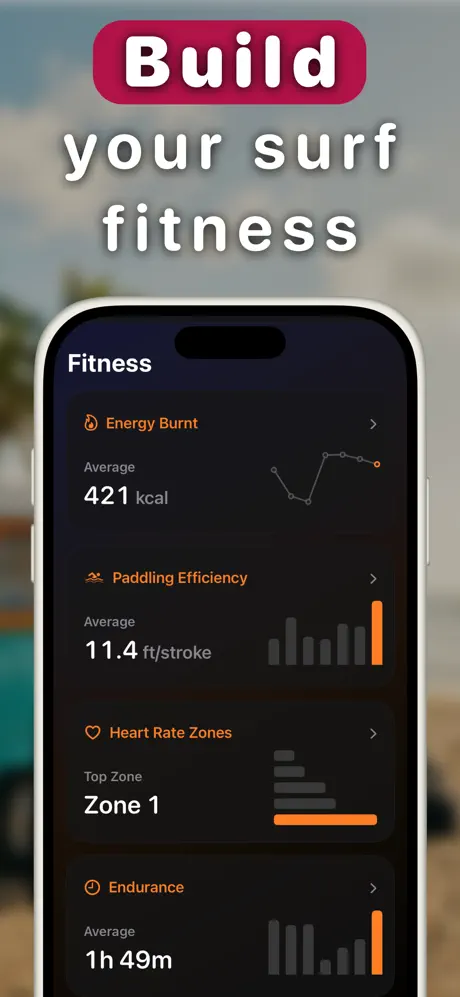
- Surf fitness analytics. Paddling efficiency in feet per stroke, heart rate zones, endurance and the surfing-to-paddling ratio, trended over weeks and months. Every session saves to Apple Health as a workout.
Brand assets
Right-click to save, or use the download links. Free for editorial use. If you need a different crop, format or size, email and you will get it the same week.
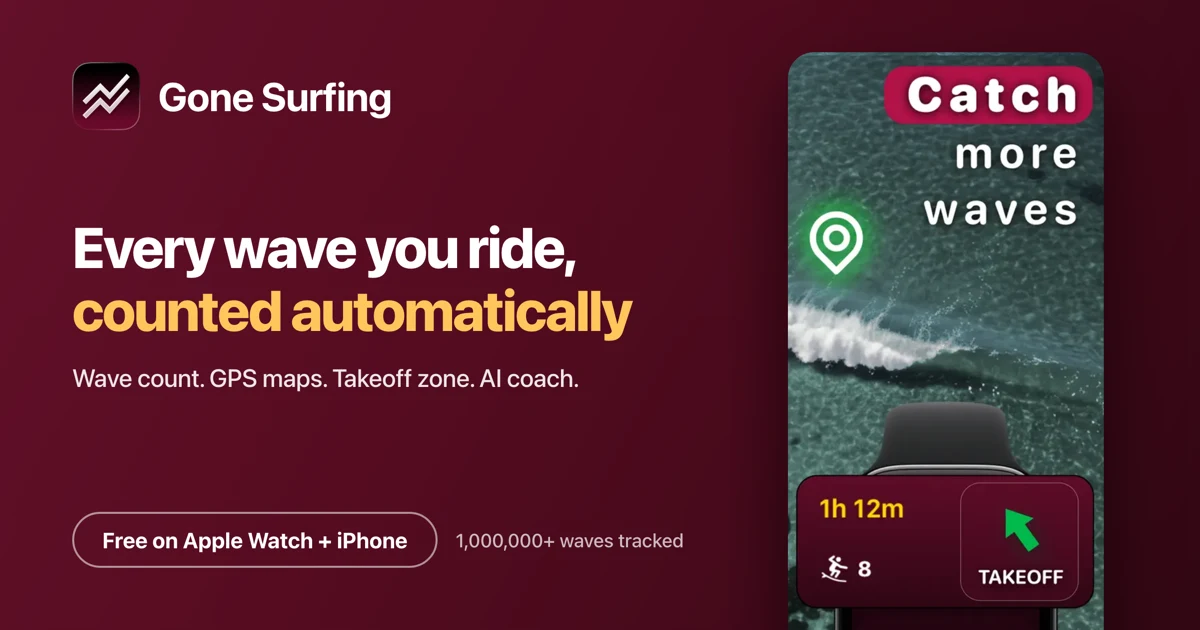
App icon and social card
Screenshots
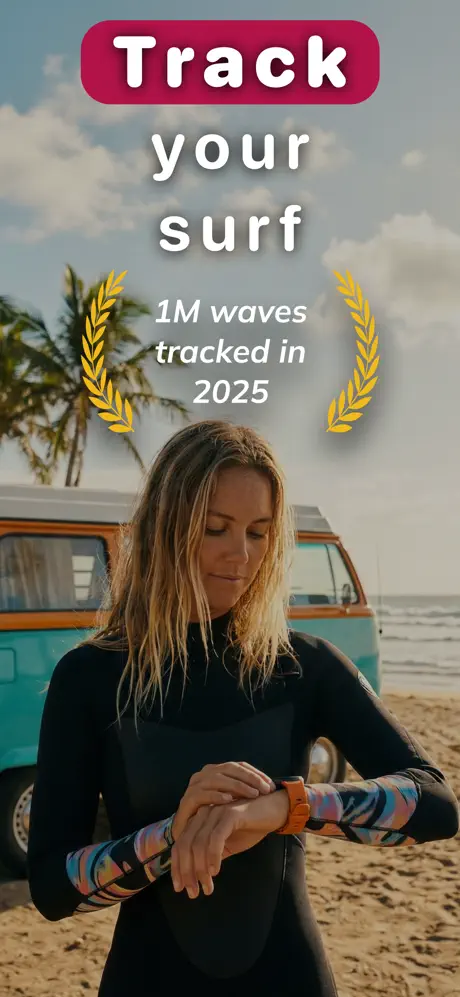
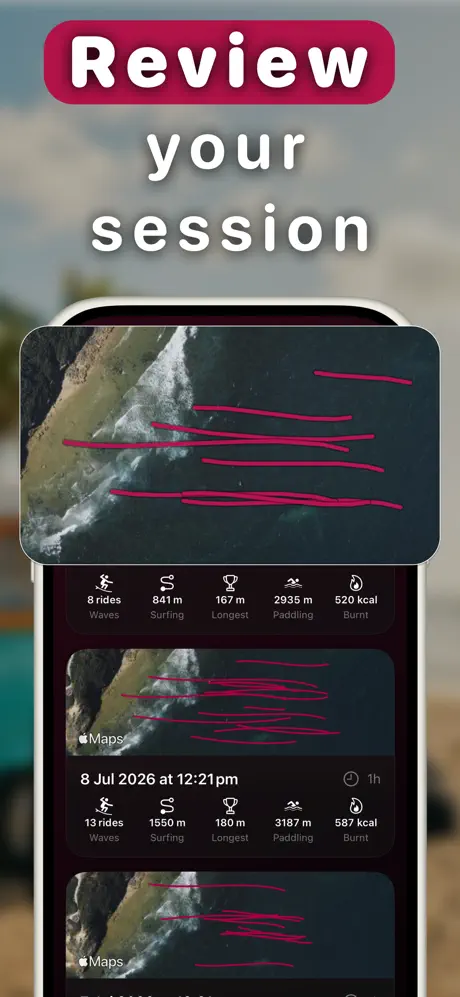
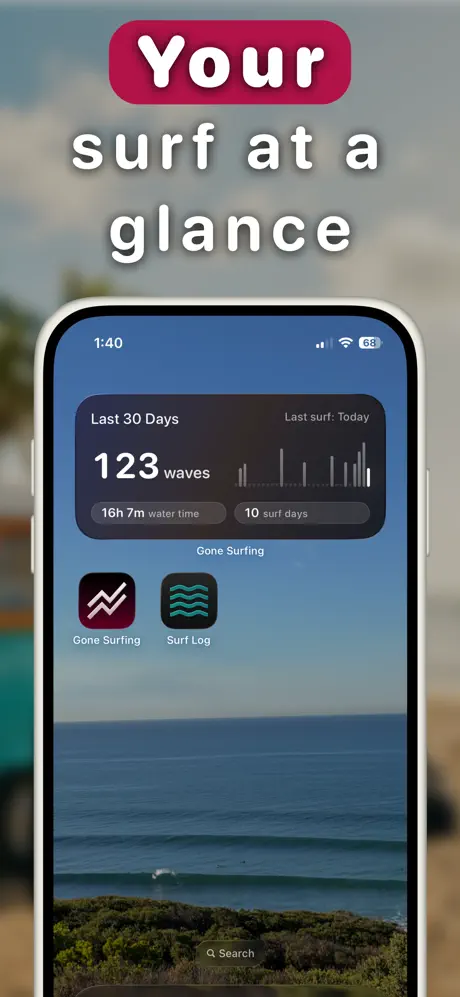
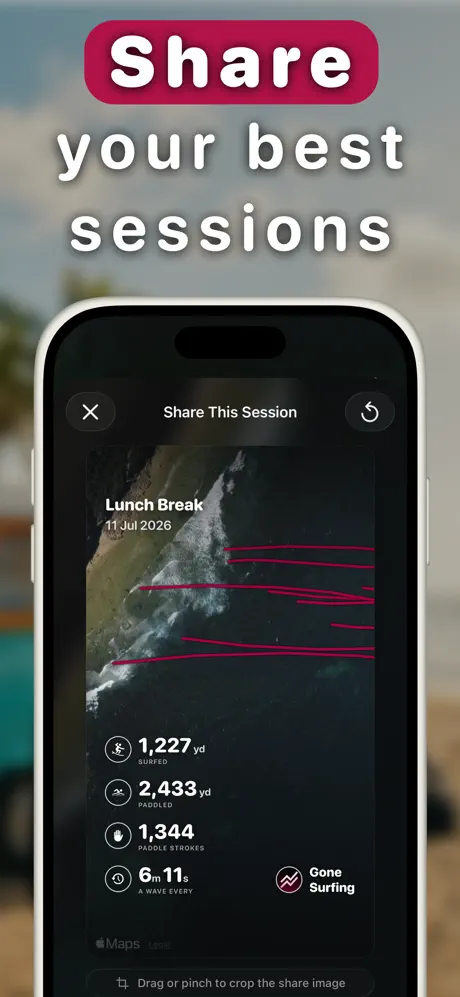
The nine App Store screenshots, with what each one shows so you can pick without opening them all. All WebP at 460 × 997.
Colours
The palette comes from the app icon. Crimson on near-black is the whole system.
- Crimson
#b91d47 - Crimson light
#e04a72 - Crimson dark
#8f1636 - Ink
#12080d - Off white
#f7eef2
Using the name and the icon
Short version: use the assets as supplied and the name as spelled. The detail, in case it helps:
- Write the app as Gone Surfing, two words, both capitalised. The full App Store listing name is "Surf Tracking: Gone Surfing" if you need to match the store exactly.
- Do not recolour, rotate, outline, add effects to, or redraw the icon. Leave clear space around it of at least a quarter of its width.
- Crop screenshots to fit your layout, but do not edit the numbers inside them. Those are real session figures and changing them makes the image a fabrication.
- Apple, Apple Watch, iPhone and App Store are trademarks of Apple Inc. If you use the "Download on the App Store" badge, follow Apple's own marketing guidelines for it.
- Editorial use needs no permission. For advertising, bundles, or anything that implies we endorse your product, ask first.
What surfers say
Three reviews from the App Store, quoted exactly, each linked to the storefront it was posted on so you can verify it.
Wave detection and takeoff guidance
Gone Surfing app has a nicely dialed sensitivity to track all my waves caught, and even inform me if I was in the takeoff zone!
Useful while you're in the water
I love the “in-water” features, showing you how you’re doing, if I can push more or not, and how to get back to the peak!
Easy tracking and better progress
It’s helped me catch more waves and improve my paddling without overthinking it. Great for any surfer wanting to step up their game!
Story angles
If you are looking for the hook rather than the feature list, these are the three that hold up to questioning.
- Coaching in the water, not after it. Almost every fitness tracker is retrospective: it tells you what you did once you have finished doing it. The takeoff arrow is an attempt to be useful during the session, which is a harder design problem and a different product category.
- Accuracy is the unglamorous feature that decides everything. A wave counter that misses a third of your waves is worse than no wave counter, because you trust the number. Getting slow and small rides to register is where most of the engineering went.
- One surfer, no team. Built and maintained by one person who surfs, which shows up in odd, specific decisions: battery behaviour tuned for a three-hour dawn patrol, no buttons to press with cold hands.
More background
Written for readers rather than press, but useful if you want the detail:

Try it before you write about it
Free to download, and it works from the first session. Email contact@swellsolutions.app if you want a Pro code so you can see the analytics and AI recaps too.
Download Gone Surfing